 Sakulus
From “I found this” to “I can use this”
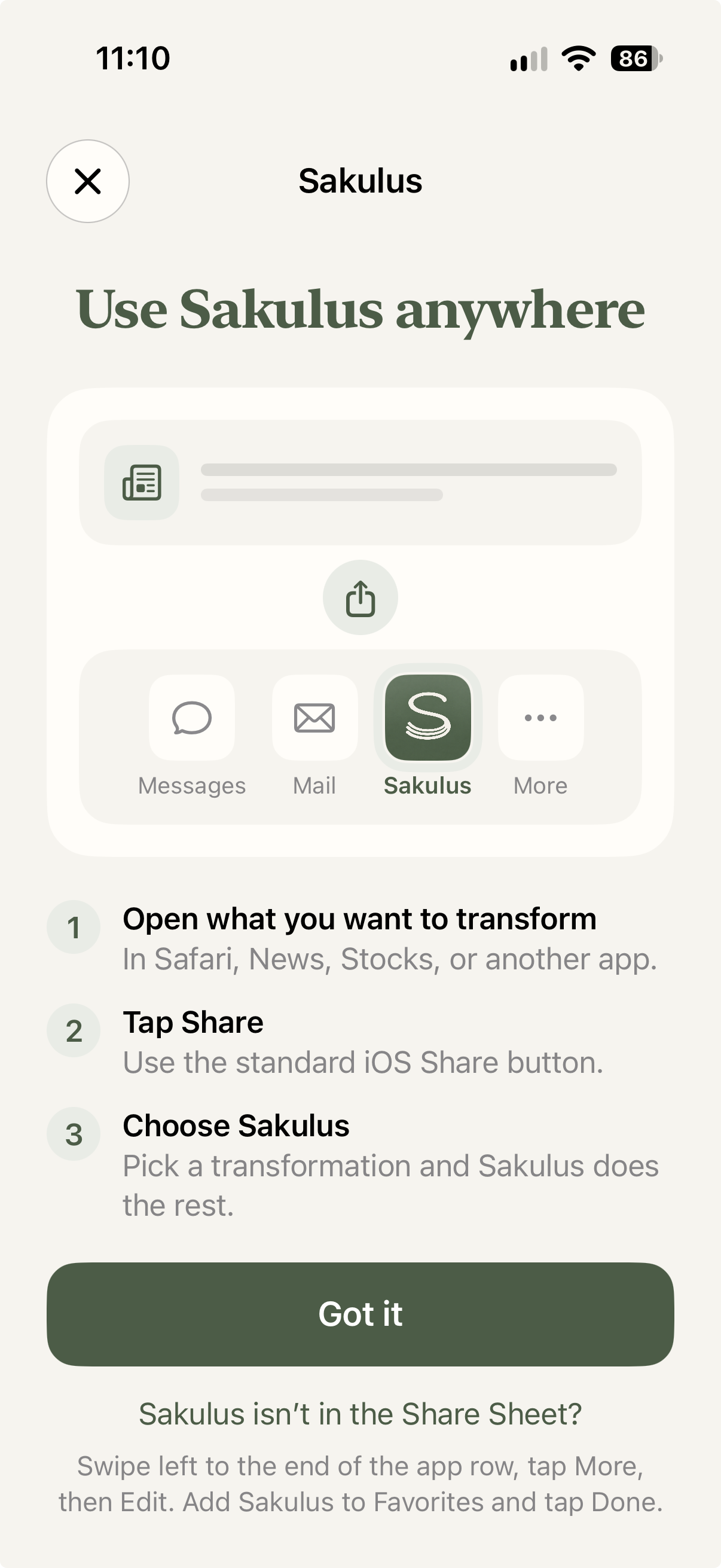
Sakulus fits into the Share menu on your iPhone. No copying a whole page into a new app. No starting from a blank screen.
Share something with Sakulus
In Safari, Photos, Files, or another app, tap Share and choose Sakulus. You can share a web page, selected text, a photo of a page, or a PDF. The iPhone share menu may show Sakulus under More the first time.
Choose a prompt
Choose Text or Clean Text for a clearer read, Recipe for ingredients and steps, Shopping List for things to buy, or another prompt for the job at hand. With Pro, you can write and save your own prompts.
Use the result
Review the result, then copy it, share it, or keep it in your history. When the result calls for it, you can add an event to Calendar or move a shopping list to Reminders.
One good prompt can change the whole page
Try a quick extraction first. Make it more personal as you go.
Explore the features